SOFTWARE ADOPTION & FACILITATION
ClickUp training
Turn a tool into shared working habits.
Company-wide training delivered; source deck availableIN-USE PRACTICE / FICTIONAL HANDOFF
Leave an update the next person can use.
Apply the four responsibilities from the lesson to a short handoff.
 Original lesson excerpt · Open full size ↗
Open the supporting reference
REQUEST: 12 labels needed Friday.
SUPPLIER UPDATE: 10 packed; 2 backordered. Delivery dates unconfirmed.
CURRENT HANDOFF: “All 12 arrive Friday.”
YOUR TURN / ABOUT ONE MINUTE
Stays in this page until you leave or reload.
New fictional practice applying the actual ClickUp lesson. It demonstrates the learning design, not a measured workplace result.
HOW THE LEARNING WORKS
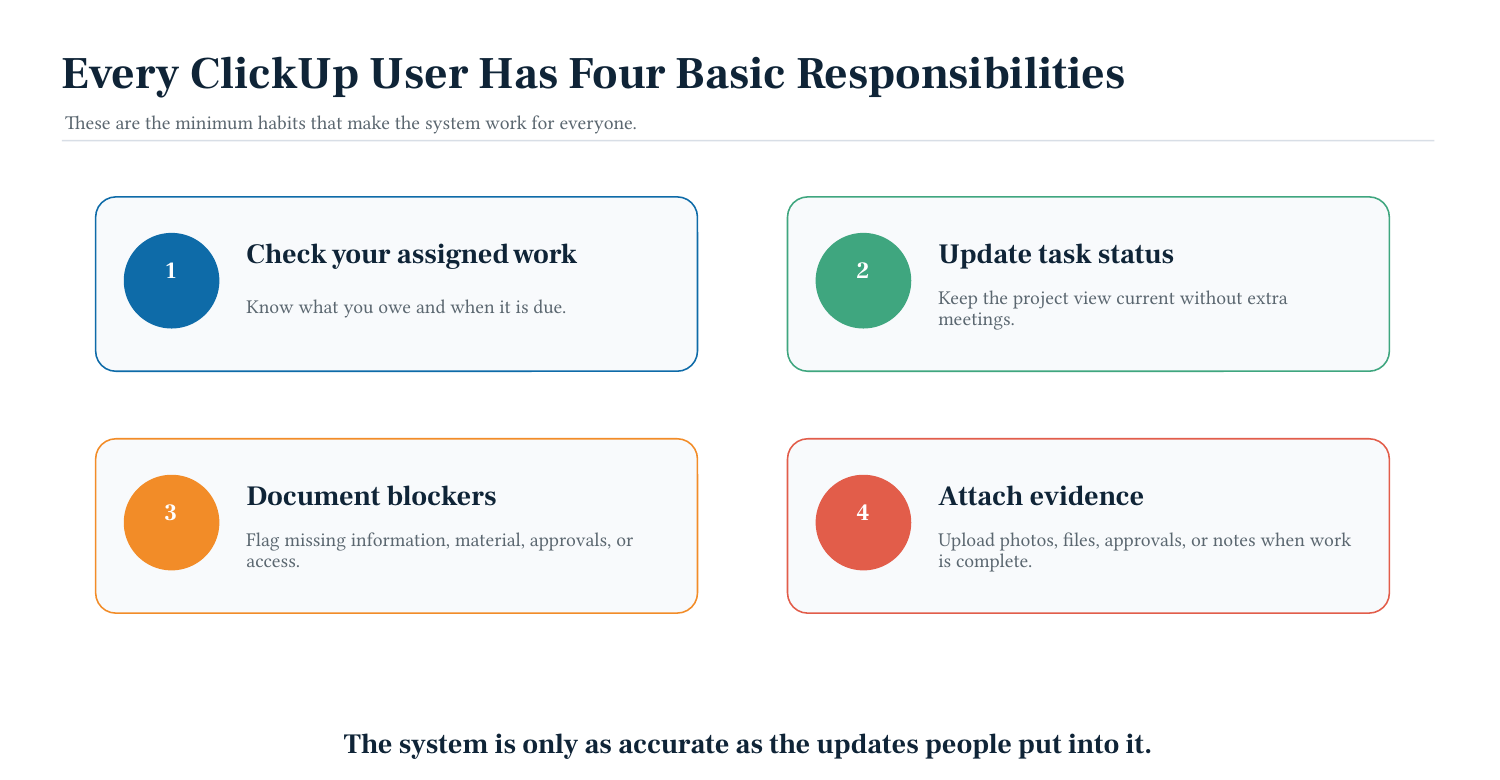
- 01Find assigned work
- 02Update status
- 03Document blockers
- 04Attach evidence
Visual summary of the design; the material below shows the work itself.
ARTIFACT 01
Four daily responsibilities
The lesson turns tool navigation into four observable working habits.
ARTIFACT 02
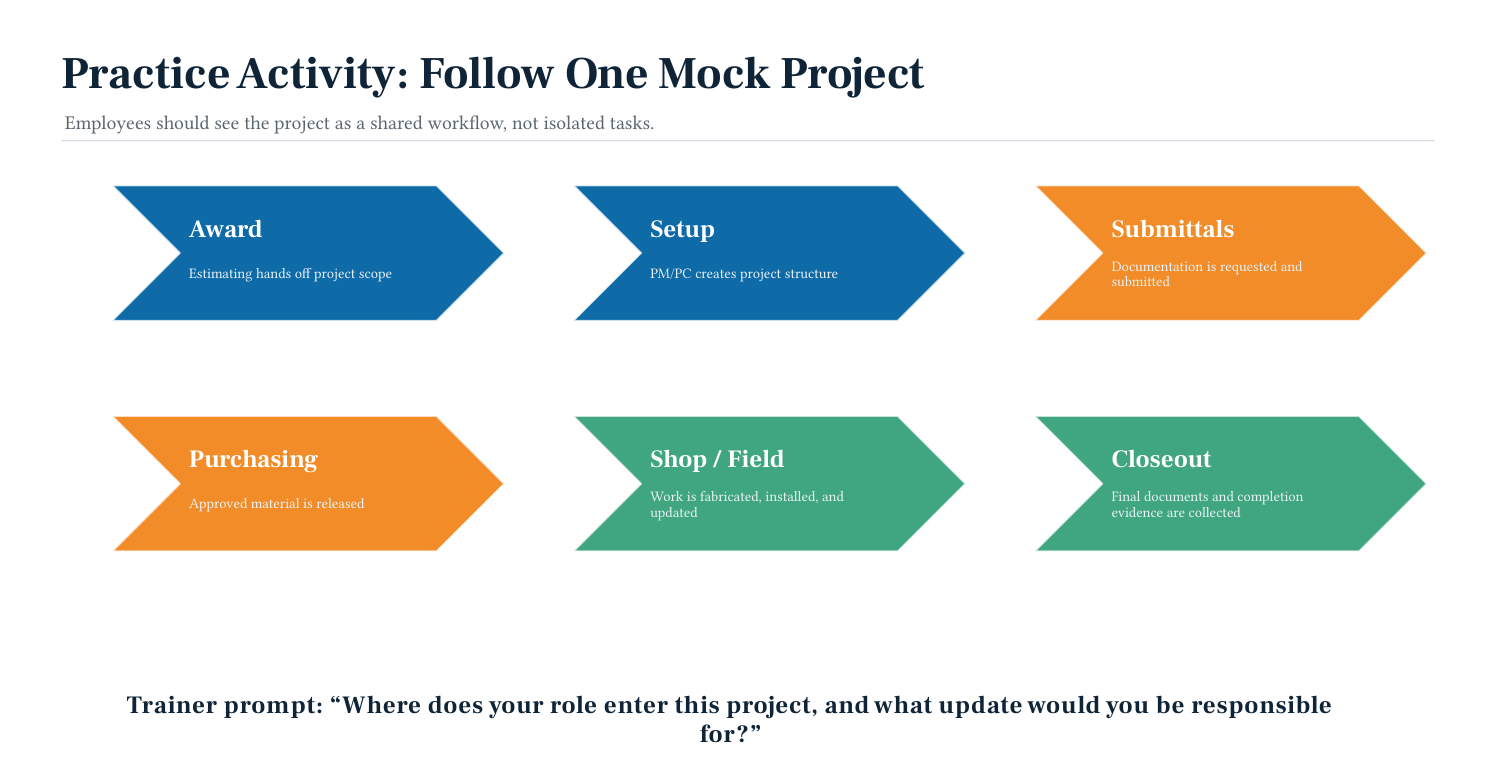
Practice the project lifecycle
The trainer asks where each participant enters the project and what update they own.
ARTIFACT 03
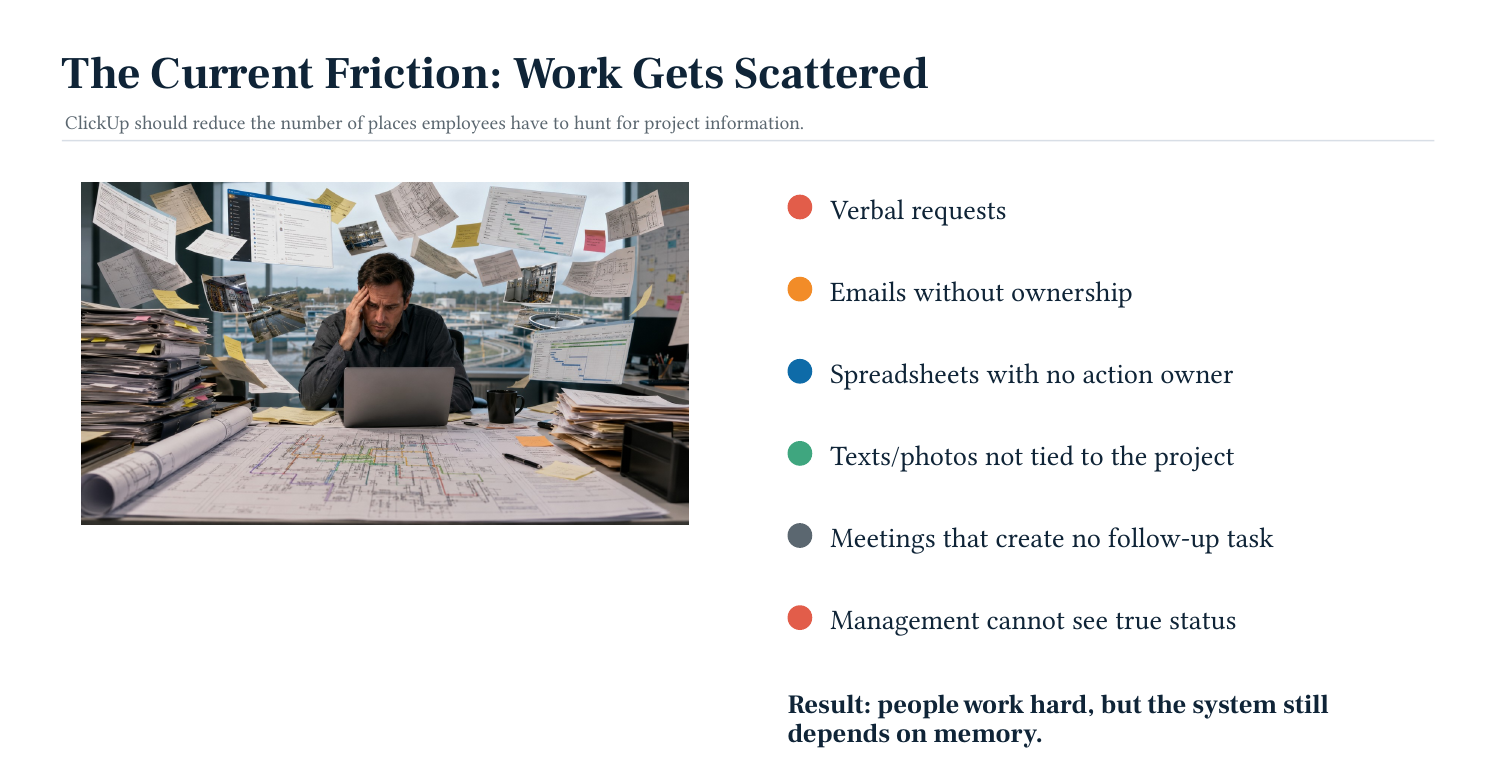
Start with the problem
The opening identifies scattered work and unclear ownership before introducing the tool.
The starting point
Knowing where to click is only part of adopting a work platform. I trained colleagues to find assigned work, update its status, document blockers, and leave evidence the next person could use.
Who it serves
Approximately 30 colleagues, including project coordinators and project managers.
My contribution
Training design, company-wide facilitation, workflow explanation, and practice design.
The design decision
The module starts with scattered work and unclear ownership, then introduces four daily responsibilities. A mock-project exercise asks participants where their role enters the project and which updates they would be responsible for.
What this demonstrates
The original 12-slide Module 1 deck exists. Three selected slides are included with the company footer removed. The broader PC/PM rollout remained separate and was not completed. No reduction in errors or time is claimed.